

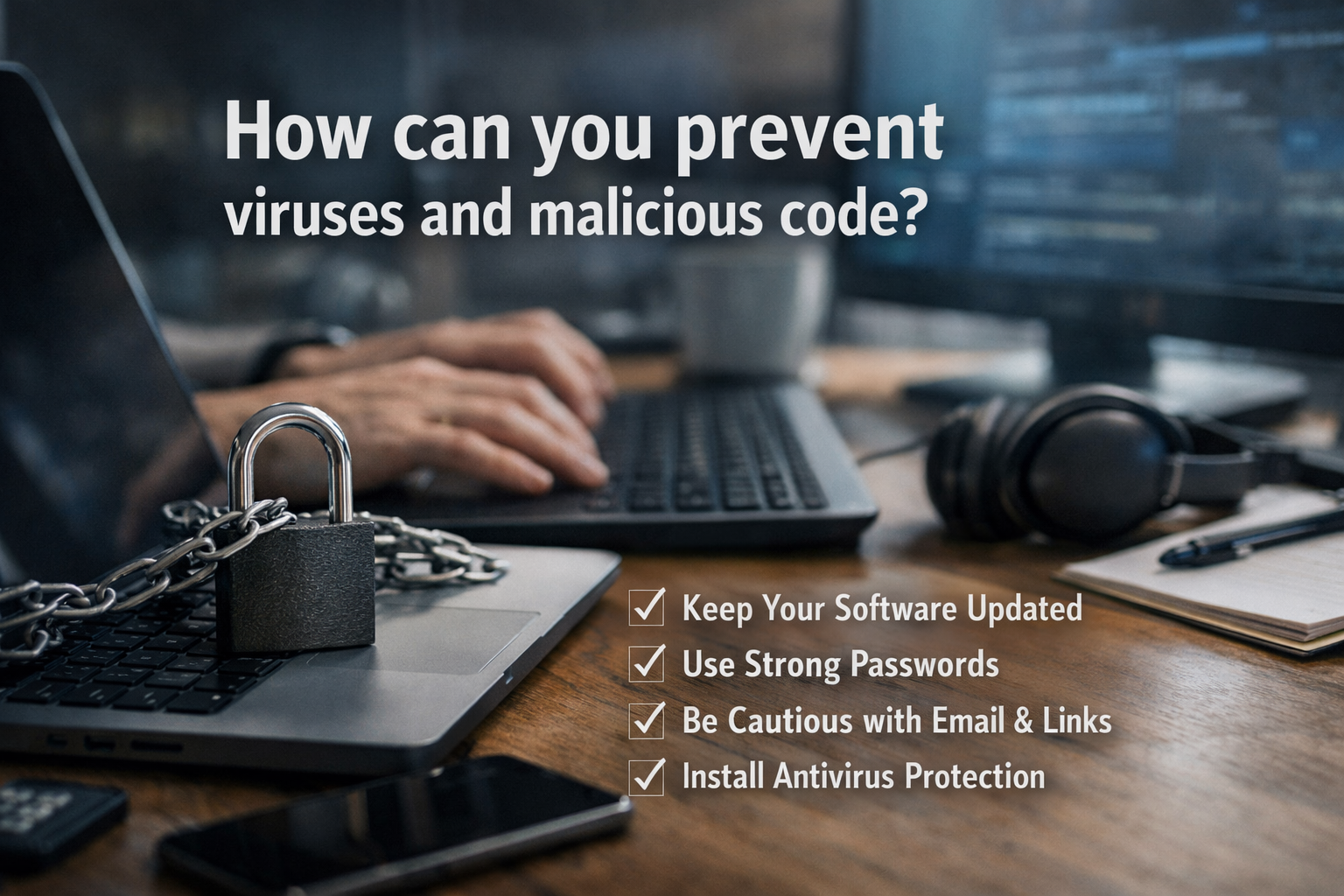
In today’s digital world, computers and mobile devices are deeply connected to everyday life. From online banking to communication and business operations, people rely on technology more than ever. However, this convenience also brings risks. One of the most serious threats is the presence of viruses and malicious code, which can damage systems, steal data, and disrupt operations.
Understanding how these threats work and how to prevent them is essential for anyone who uses digital devices. This article explains practical and effective ways to stay protected. It focuses on simple actions that individuals and organizations can take to reduce risk and maintain a secure digital environment.
Understanding Viruses and Malicious Code
Before exploring prevention methods, it is important to understand what viruses and malicious code are. A computer virus is a type of program designed to spread from one system to another, often causing harm along the way. Malicious code, also known as malware, is a broader term that includes viruses, worms, trojans, ransomware, and spyware.
These harmful programs can enter a system through infected files, unsafe downloads, or compromised websites. Once inside, they may corrupt files, monitor user activity, or give attackers control over the device.
Why Prevention Is Important
Preventing viruses and malicious code is not only about protecting devices. It also helps safeguard personal information, financial data, and business operations. A single attack can lead to data loss, identity theft, or financial damage.
In addition, recovering from an attack can be costly and time-consuming. Therefore, taking preventive steps is far more effective than dealing with the consequences later.
Use Reliable Antivirus Software
Choose Trusted Security Tools
One of the most effective ways to prevent viruses and malicious code is by using reliable antivirus software. These programs are designed to detect, block, and remove threats before they can cause harm.
It is important to choose a well-known and trusted solution. Free options can provide basic protection, but paid versions often offer advanced features such as real-time monitoring and automatic updates.
Keep Antivirus Updated
Installing antivirus software is not enough. Users must keep it updated regularly. Updates ensure that the software can recognize new threats and respond effectively.
Most antivirus programs offer automatic updates, which should always be enabled.
Keep Your System and Software Updated
Install Security Updates
Software developers regularly release updates to fix vulnerabilities. Hackers often target outdated systems because they contain known weaknesses.
By installing updates for the operating system and applications, users can close these gaps and reduce the risk of infection.
Enable Automatic Updates
To make this process easier, users should enable automatic updates whenever possible. This ensures that the system remains protected without requiring manual effort.
Practice Safe Browsing Habits
Avoid Suspicious Websites
Many viruses and malicious programs are distributed through unsafe websites. Users should avoid visiting unknown or suspicious sites, especially those that offer free downloads or pirated content.
Secure websites usually begin with “https,” which indicates that the connection is encrypted.
Be Careful with Downloads
Downloading files from untrusted sources is a common way malware enters a system. Users should only download software from official websites or reputable platforms.
It is also wise to scan downloaded files before opening them.
Be Cautious with Email Attachments
Recognize Phishing Attempts
Emails are a major source of malicious code. Attackers often send messages that appear legitimate but contain harmful attachments or links.
Messages that create urgency or request personal information should be treated with suspicion.
Verify Before Clicking
Before clicking on links or downloading attachments, users should verify the sender’s identity. Even emails from known contacts can be compromised.
If something seems unusual, it is better to confirm through another communication channel.
Use Strong Passwords and Authentication
Enable Two-Factor Authentication
Two-factor authentication adds an extra layer of security. Even if a password is compromised, the attacker cannot access the account without the second verification step.
This method significantly reduces the risk of unauthorized access.
Regularly Back Up Your Data
Protect Against Data Loss
Backing up data is an essential part of preventing damage from viruses and malicious code. In cases such as ransomware attacks, backups allow users to restore their files without paying attackers.
Use Secure Backup Methods
Backups should be stored in a secure location, such as an external drive or a trusted cloud service. It is important to keep backups separate from the main system to prevent them from being infected as well.
Use Firewalls for Added Protection
Control Network Traffic
A firewall acts as a barrier between a device and the internet.
Most operating systems include built-in firewalls, which should always be enabled.
Combine with Other Security Measures
While firewalls are effective, they work best when combined with antivirus software and safe user practices.
Limit User Permissions
Reduce Risk Exposure
Not all users need full access to a system. Limiting permissions can prevent malicious code from making significant changes.
For example, using a standard user account instead of an administrator account can reduce the impact of an attack.
Apply the Principle of Least Privilege
This principle means giving users only the access they need to perform their tasks. It is a simple but effective way to enhance security.
Educate Yourself and Others
Stay Informed About Threats
Cyber threats continue to evolve. Staying informed about new risks and prevention methods is essential.
Users should follow trusted sources for updates on security practices and emerging threats.
Promote Awareness
In organizations, educating employees about safe practices can significantly reduce the risk of attacks. Human error is often the weakest point in security systems.
Training programs and regular reminders can help build a culture of awareness.
Monitor System Activity
Detect Unusual Behavior
Regularly monitoring system activity can help detect potential threats early. Signs such as slow performance, unexpected pop-ups, or unknown programs may indicate an infection.
Take Immediate Action
If suspicious activity is detected, users should run a full system scan and disconnect from the internet if necessary. Early action can prevent further damage.
Conclusion
Preventing viruses and malicious code requires a combination of technology and good habits. While tools like antivirus software and firewalls play an important role, user behavior is equally critical. Simple actions such as updating software, avoiding suspicious links, and using strong passwords can make a significant difference.
By understanding the risks and applying these practical steps, individuals and organizations can protect their systems and data effectively. In a world where digital threats are constantly evolving, staying cautious and informed is the key to maintaining a secure and reliable computing environment.
