

In the modern digital world, people depend on computers, smartphones, and the internet to store and transfer large amounts of data every day. Whether someone downloads a file, installs software, or sends information across a network, accuracy and reliability are extremely important. Even a small change in data during transmission or storage can cause programs to fail or files to become unusable. Because of this risk, computer systems use different methods to verify that data remains unchanged and correct.
One of the most common techniques used for this purpose is called a checksum. A checksum helps computers detect errors that may happen while data moves from one place to another. When a problem is detected, users may encounter something known as a checksum error. Understanding what this error means and why it occurs can help people troubleshoot issues more effectively and protect their data from corruption.
This article explains what is a checksum error, how checksum verification works, why these errors appear, and what steps can help fix or prevent them.
What Is a Checksum Error?
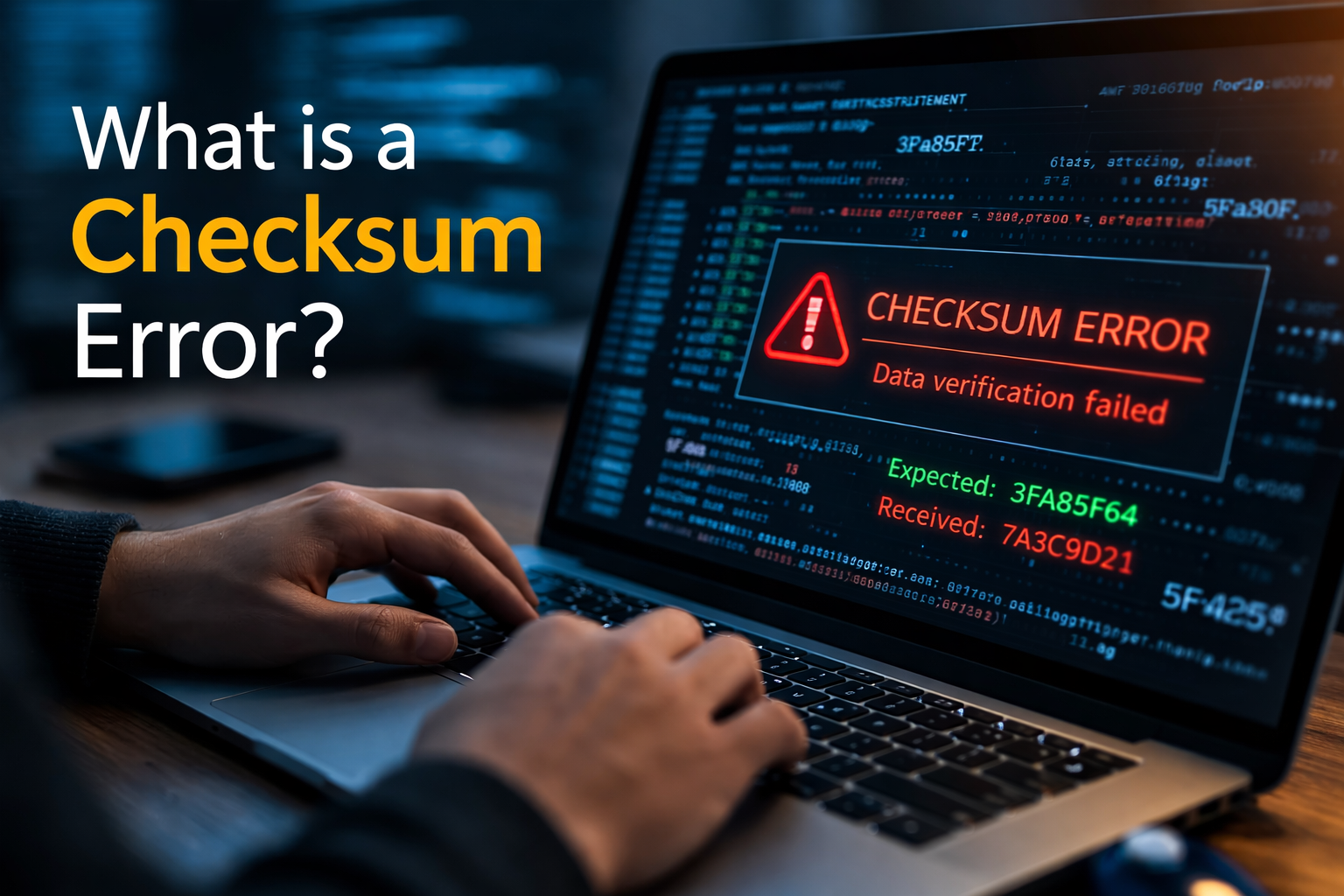
A checksum error occurs when a computer system compares two checksum values and finds that they do not match. In simple terms, it means the data received or stored is not exactly the same as the original data.
A checksum itself is a small piece of data that is generated from a larger block of information using a mathematical calculation. When a file is created, downloaded, or transmitted, the system calculates a checksum value based on its contents. Later, when the file is accessed or transferred, the system calculates the checksum again and compares it to the original value.
If both values match, the data is considered intact. If the values differ, the system reports a checksum error. This indicates that the data has been altered, damaged, or corrupted during the process.
Checksum errors are common in situations such as file downloads, disk reads, software installation, and data transmission across networks.
How Checksums Work
To better understand what is a checksum error, it is important to first understand how a checksum works. The checksum process follows a simple verification method designed to detect accidental changes in data.
When a file is created or transmitted, the system performs a mathematical operation on the data. This operation converts the entire file into a short numeric or alphanumeric value called the checksum.
This checksum acts like a digital fingerprint for the file. Even a small change in the file will produce a completely different checksum value.
Later, when the file is received or accessed, the system calculates the checksum again using the same algorithm. It then compares the new value with the original checksum.
If both values match, the data is verified as accurate. If they do not match, the system reports a checksum error because the data has been modified or corrupted in some way.
Common Causes of Checksum Errors
Checksum errors can happen for several reasons. Most of the time, they occur because data changes during storage or transmission. Understanding these causes helps users identify and solve the problem more easily.
Corrupted File Downloads
One of the most common reasons for checksum errors is incomplete or corrupted downloads. If a file download is interrupted or affected by unstable internet connectivity, the downloaded file may not match the original version.
When the system verifies the checksum, the values will not match, leading to a checksum error.
Faulty Storage Devices
Storage devices such as hard drives, solid-state drives, USB drives, or memory cards can develop hardware issues over time. Bad sectors or damaged storage areas can change stored data without the user’s knowledge.
When the system reads that data later, the checksum may differ from the original value, causing an error.
RAM or Memory Problems
Random Access Memory (RAM) temporarily holds data while programs are running. If RAM modules are faulty or unstable, they may alter data during processing.
This can lead to checksum mismatches when the system verifies stored information.
Software Installation Issues
Sometimes checksum errors appear during software installation. Many software installers check file integrity before installation begins. If the files were modified, corrupted, or tampered with, the installer detects the mismatch and stops the installation process.
This is done to prevent damaged or unsafe software from being installed.
Malware or Unauthorized Changes
In some cases, checksum errors can indicate that files have been altered intentionally. Malware, viruses, or unauthorized modifications can change files on a system.
Because checksums detect even minor changes, they can alert the system when a file has been modified unexpectedly.
Where Checksum Errors Commonly Appear
Checksum errors can appear in several different computing environments. They are not limited to a single device or operating system.
One common place users encounter checksum errors is during file downloads from the internet. Many websites provide checksum values alongside large files so users can verify their integrity after downloading.
Another common scenario occurs when installing operating systems or large applications. Installers often check file integrity using checksum verification to ensure all installation files remain unchanged.
Checksum errors can also appear when accessing compressed archives, reading data from damaged disks, or transferring data across unreliable networks.
How to Fix a Checksum Error
Although checksum errors can seem serious, many of them can be resolved with simple troubleshooting steps.
Download the File Again
If a checksum error occurs after downloading a file, the easiest solution is often to download the file again. A fresh download ensures the file is complete and not corrupted.
Using a stable internet connection can also help prevent download errors.
Check Storage Devices
If the error occurs when accessing files on a storage device, the device may have physical or logical problems. Running disk checking tools or scanning for bad sectors may identify and repair damaged areas.
If errors continue, replacing the storage device may be necessary.
Scan for Malware
Because malicious software can modify files, running a complete antivirus scan is an important troubleshooting step. Removing malware helps prevent further corruption or unauthorized file changes.
Test System Memory
Faulty RAM can cause data corruption during processing. Running memory diagnostic tools can help identify whether memory modules are functioning correctly.
Replacing defective RAM may solve persistent checksum problems.
Verify the Correct File Source
Sometimes the problem occurs because a file was downloaded from an unreliable or unofficial source. Always download software from trusted websites to ensure the file has not been altered.
Preventing Checksum Errors
While not all checksum errors can be prevented, certain practices greatly reduce the chances of encountering them.
Using reliable internet connections during downloads helps avoid incomplete files. Keeping storage devices in good condition and regularly checking disk health can also prevent data corruption.
Installing updated antivirus software helps protect files from malicious modifications. Additionally, regularly backing up important data ensures that files can be restored if corruption occurs.
For important downloads, users should always verify checksum values provided by developers or websites. This simple step confirms that the downloaded file is identical to the original.
Why Checksum Verification Is Important
Checksum verification plays a critical role in maintaining data integrity. In modern computing environments where large volumes of data move across networks every second, ensuring accuracy is essential.
Without checksum verification, systems would have difficulty detecting whether files were damaged, altered, or tampered with during transfer or storage.
Checksums allow developers, network systems, and users to quickly confirm that data remains exactly as intended. This protection is especially important for software distribution, operating system updates, and sensitive data transfers.
Because checksum calculations are fast and efficient, they provide a practical way to detect errors without significantly slowing down system operations.
Conclusion
Understanding what is a checksum error is important for anyone who works with digital files, downloads software, or manages computer systems. A checksum error occurs when a system detects that data has changed from its original form. This mismatch usually indicates corruption during transmission, storage problems, or unintended modifications.
Checksums serve as a powerful verification tool that helps computers maintain data integrity. By comparing calculated values, systems can quickly identify whether information has been altered or damaged.
Fortunately, many checksum errors can be resolved through simple troubleshooting steps such as re-downloading files, checking storage devices, scanning for malware, or testing system memory. Practicing safe downloading habits and maintaining reliable hardware can also reduce the chances of encountering these errors.
In a world where digital data is constantly moving and evolving, checksum verification remains an essential safeguard that ensures files remain accurate, secure, and dependable.
